Use Kynzo's LinkedIn™ Chrome extension for recruiters to build relationships, stay top of mind, and keep business development moving with recruiter-focused visibility, AI-assisted commenting, and public profile capture.
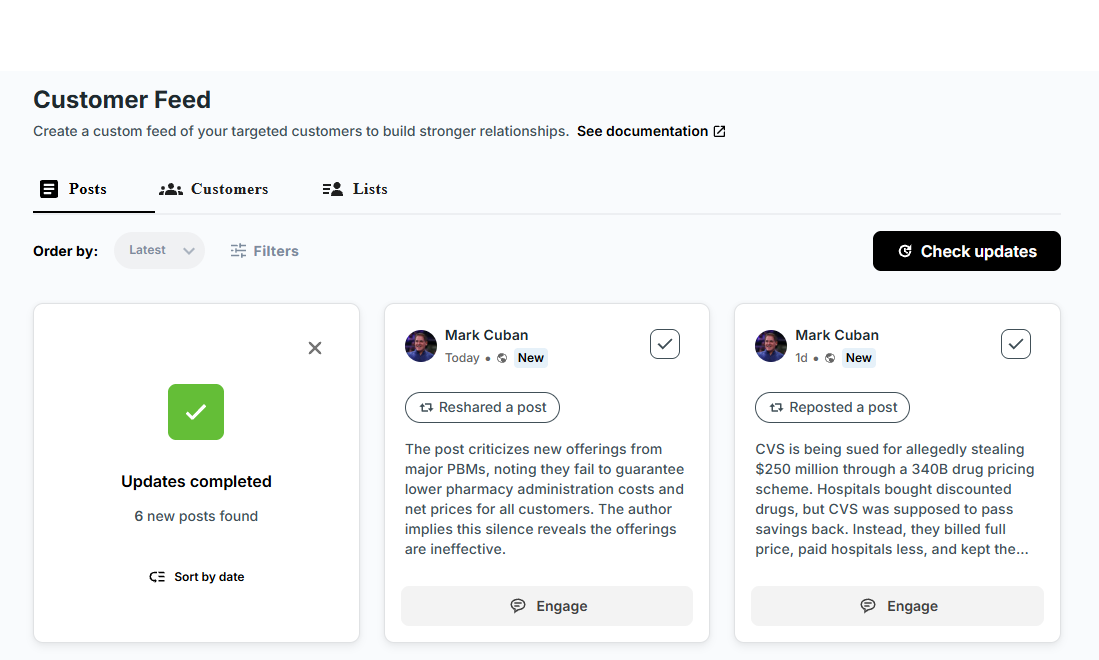
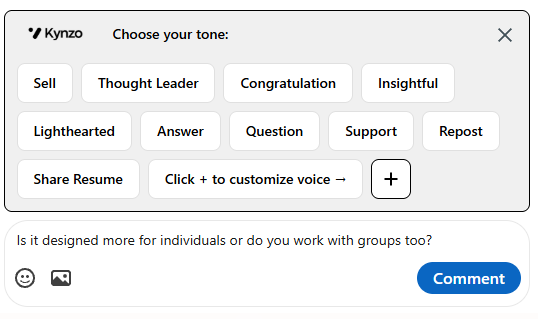
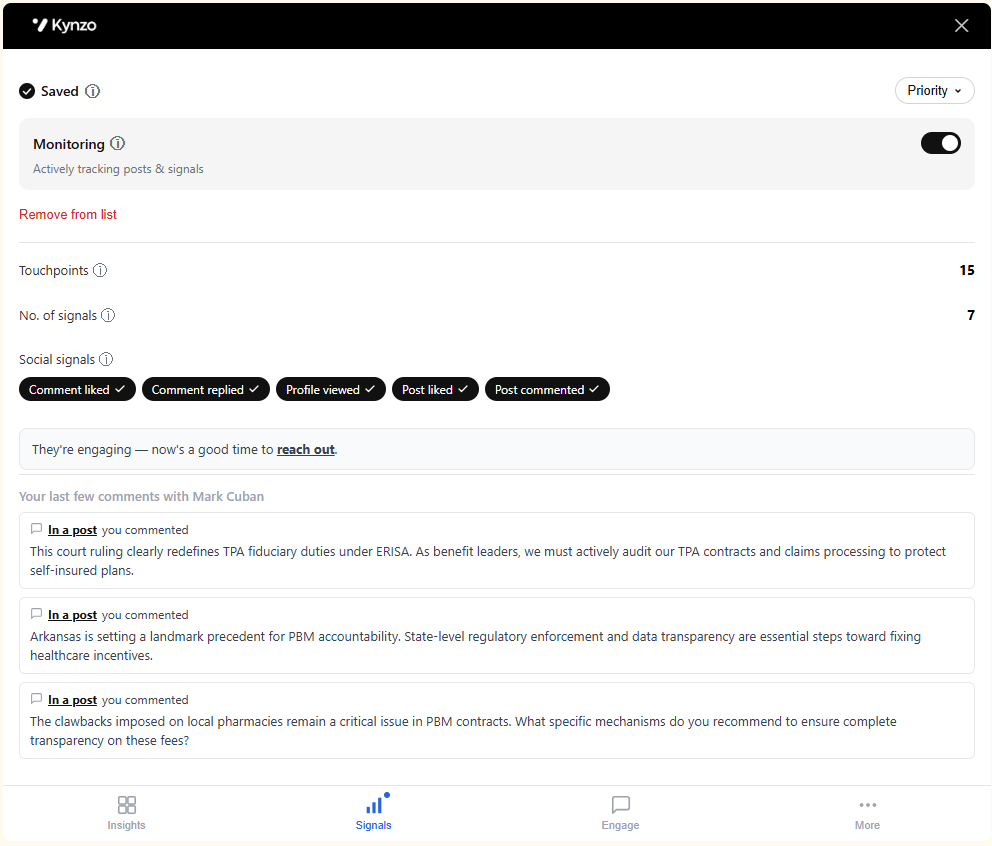
Cold pitches often get ignored, but relationship signals tell you when the door is open. When target accounts respond to your comments or interact with your profile, Kynzo tracks those social signals so you can follow up with natural timing and relevance.
We build integrations that help recruiters turn relationship signals into follow-up. If you want to partner with Kynzo, email us and we will share the integration plan and technical requirements.
The Kynzo LinkedIn™ Chrome extension helps recruiters stay visible to target accounts, save public profile context into Kynzo, and turn everyday LinkedIn™ activity into a more consistent business development workflow.
Yes. The Kynzo Chrome extension is built for recruiter business development, helping teams save LinkedIn™ profiles into Kynzo so client and prospect follow-up stays organized around real accounts and relationship signals.
Yes. Kynzo helps recruiters draft thoughtful LinkedIn™ comments with AI, then review and approve each comment before it goes live so the final message still sounds like their own voice.
The extension collects publicly available profile information that is already visible on the page, such as name, headline, company, role context, and the public profile link.
Yes. Kynzo only collects publicly available information already visible on the profile page. It does not pull hidden or gated data from behind additional login walls.
It helps recruiters save relevant profiles into Kynzo quickly, keep account context in one place, and build a more consistent habit of relationship-building and follow-up across clients and prospects.
No. Recruiters can start with the Chrome extension on its own and then add CRM integrations later as they want more account context and workflow depth inside Kynzo.
No. The goal is the opposite: save profiles into Kynzo in one click so recruiters can keep moving through LinkedIn™ while still capturing the contacts and context they want for later follow-up.
You can install the Kynzo Chrome extension directly from the Chrome Web Store using the button on this page.
Agency recruiters, business development recruiters, and recruitment leaders who use LinkedIn™ to build client relationships benefit most because the extension helps turn daily browsing into a repeatable relationship-building workflow.
Yes. Recruiter teams can use the extension to support client development, account mapping, and ongoing relationship-building, not just one-off outreach. It is designed to help BD activity stay visible and repeatable.