

HubSpot LinkedIn Integration: 4 Connections, One Costly Mix-Up
! Sketch-framed HubSpot LinkedIn integration title card
There are four practical HubSpot LinkedIn connections: Sales Navigator for research and in-CRM context, LinkedIn CRM Sync for CRM writebacks, LinkedIn Ads for lead sync and conversion events, and HubSpot social publishing for organic posts. The single biggest constraint across all four is permissions: the right HubSpot seat, LinkedIn plan, and admin role determine whether setup takes five minutes or stalls at the authentication screen.
***
TL;DR:
>
- LinkedIn CRM Sync maps leads to contacts, accounts to companies, and opportunities to deals; historical records require a disruptive uninstall and reinstall.
- LinkedIn Ads requires HubSpot Publish access and a LinkedIn Campaign Manager Account Manager role; conversion totals may differ because platforms calculate events differently.
- HubSpot supports personal accounts and Company or Showcase Pages you administer, but not Groups, and deletes stored social metrics after one year.
- HubSpot recommends lifecycle stage selection for conversion events; it hashes identifiers with SHA256 before sending them to LinkedIn, and extra identifiers can improve matching.
- Sales Navigator and CRM Sync require Sales Hub Professional or Enterprise; CRM Sync writebacks also need Sales Navigator Advanced Plus and LinkedIn admin rights.
***
Table of Contents
- Which HubSpot LinkedIn integration fits your goal?
- Setting up Sales Navigator and LinkedIn CRM Sync
- Connecting LinkedIn Ads for lead sync and conversion tracking
- Publishing to LinkedIn directly from HubSpot
- Data retention, hashing, and contact selection rules that affect every sync
- Troubleshooting a broken HubSpot LinkedIn connection
- What we'd prioritize when rolling this out
- Where a LinkedIn engagement layer fits alongside HubSpot
- FAQ
- Sources
Which HubSpot LinkedIn integration fits your goal?
Each of the four integrations solves a different operational problem, and picking the wrong one wastes a setup cycle you don't need to repeat. We've seen teams install LinkedIn CRM Sync expecting ad lead delivery, then spend an afternoon troubleshooting a connection that was never built for that job.
- Sales Navigator: surfaces LinkedIn profile data, InMail history, and connection context directly inside HubSpot CRM records.
- LinkedIn CRM Sync: writes LinkedIn lead, account, and opportunity data back into HubSpot objects for pipeline reporting.
- LinkedIn Ads: syncs lead-gen form submissions and conversion events between ad campaigns and HubSpot contacts.
- Social publishing: schedules and tracks organic LinkedIn posts from company and personal pages inside HubSpot's social tool.
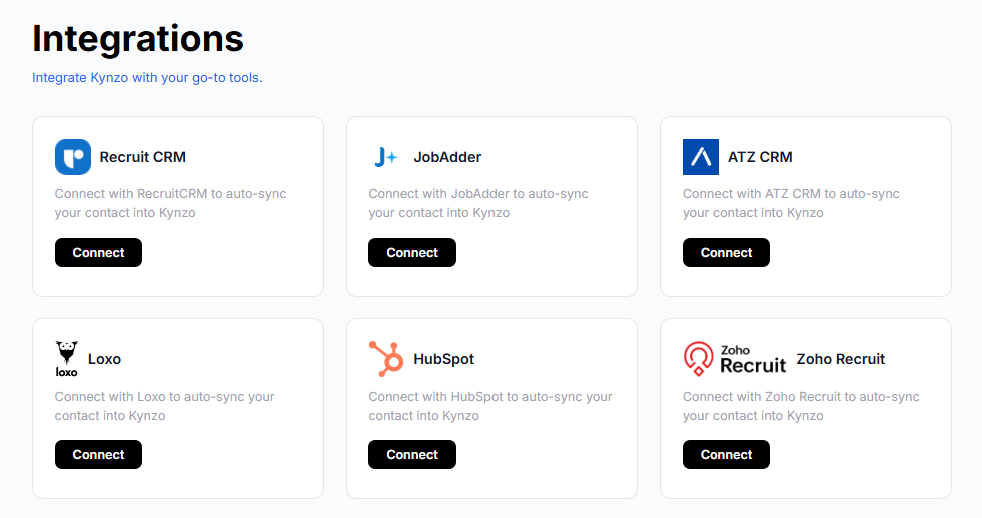
Native HubSpot integrations cover most sales, ads, and publishing needs without extra licensing. A third-party automation layer like Zapier makes sense when you need custom field logic HubSpot's native mapping doesn't support, and an adjacent engagement platform makes sense when your team's real bottleneck is relationship-building activity on LinkedIn itself, not data movement. Across all four paths, expect to need HubSpot Super Admin or Marketplace App Partner access, a matching LinkedIn admin role, and a browser without aggressive ad-blocking extensions.
Setting up Sales Navigator and LinkedIn CRM Sync
Sales Navigator and LinkedIn CRM Sync are related but distinct: one surfaces context, the other moves records. Both require specific seats before you touch the install button.
Permission checklist before you start:
- HubSpot Super Admin or App Marketplace permission to install the connector.
- Sales Hub Professional or Enterprise subscription on the HubSpot side.
- LinkedIn Sales Navigator Advanced Plus plan, with Sales Navigator admin rights if you need writebacks.
The install flow itself follows a consistent pattern documented by HubSpot: open the HubSpot Marketplace and search for LinkedIn CRM Sync, click install, authenticate through the LinkedIn redirect, confirm your Sales Navigator environment, and set up the sync. Expect both HubSpot and LinkedIn permission pop-ups during that sequence.
Once connected, HubSpot maps LinkedIn CRM Sync objects this way: LinkedIn leads sync to HubSpot contacts, LinkedIn accounts sync to HubSpot companies, and LinkedIn opportunities sync to HubSpot deals. The catch is backfill: only new or updated records sync after installation, so historical LinkedIn activity won't retroactively populate your CRM. The documented workaround is uninstalling and reinstalling the app to force a full resync, which is disruptive enough that most admins plan it for a maintenance window rather than mid-quarter.
Pro Tip: Each HubSpot account connects to exactly one Sales Navigator environment at a time, so agencies managing multiple Sales Navigator seats should map accounts carefully before installing.
Connecting LinkedIn Ads for lead sync and conversion tracking
LinkedIn Ads integration moves in two directions: lead-gen form submissions flow into HubSpot, and conversion events flow back out to LinkedIn for campaign optimization. Both directions have their own permission gate.
To connect the account, you need:
- Publish access in HubSpot's ads tool.
- Account Manager role in LinkedIn Campaign Manager.
- A LinkedIn ad account selected during setup, since HubSpot syncs leads only from accounts you explicitly choose.
The connection path is Marketing, then Ads, then Connect account, then granting permissions and selecting which LinkedIn Ads accounts to sync. Once connected, HubSpot can auto-track lead-gen form fills and sync them as contacts without manual export.
Conversion events work through LinkedIn's Conversions API, and HubSpot sends a specific set of fields to support matching: hashed email, first and last name, job title, company, country, click ID, and lead ID. HubSpot uses SHA256 hashing to secure identifiers like email addresses before they leave HubSpot, which matters for any team weighing data-sharing exposure in a conversion event setup. Selecting more identifiers at setup, rather than relying on email alone, improves match rates on LinkedIn's side.
! Identifiers pass through hashing before event matching
One caveat worth setting expectations around: synced conversion totals in HubSpot may not match the numbers you see in Campaign Manager. HubSpot's own documentation attributes this to differing calculation methods and limited visibility into how LinkedIn aggregates events on its end, and support can't always pull sync logs unless an actual error is thrown.
Publishing to LinkedIn directly from HubSpot
HubSpot's social tool connects LinkedIn for scheduling and analytics, separate from both Sales Navigator and Ads. The entity types it supports are narrower than people expect.
- Personal LinkedIn accounts connect for individual post scheduling.
- Company and Showcase Pages connect when you hold admin rights on that page.
- LinkedIn Groups are not supported for publishing through HubSpot.
Connecting takes a short path: Marketing, then Social, then Connect accounts, then selecting which pages to link. Once connected, you can schedule posts in advance, append HubSpot tracking codes to shared URLs for attribution, and review comments and engagement analytics without leaving HubSpot.
The retention detail that trips up reporting teams: LinkedIn social metrics and interactions stored in HubSpot are deleted after one year. If you're building a multi-year content performance report, export the raw numbers before that window closes, because HubSpot won't hold them indefinitely for you.
Data retention, hashing, and contact selection rules that affect every sync
Three operational rules apply across Sales Navigator, CRM Sync, Ads, and social publishing, and they shape what you can report on later.
- Retention: LinkedIn data stored in HubSpot, including social engagement metrics, is deleted after one year, so year-over-year comparisons need an export plan.
- Hashing: HubSpot applies SHA256 hashing to identifiers like email addresses before sending them to LinkedIn's Conversions API, and consent flags should be enabled where your legal team permits.
- Contact selection: when building conversion events, you choose between syncing all contacts who reach a lifecycle stage or only contacts who directly engaged with an ad, and HubSpot's documentation recommends the lifecycle stage option for better ad optimization signal.
The backfill limitation threads through all of this. Because CRM Sync only picks up new or updated records going forward, a reporting gap for historical LinkedIn activity is normal, not a bug. Forcing a full resync means uninstalling and reinstalling the connector, which briefly breaks live mappings. Treat that as a planned maintenance action, not a quick fix you run mid-campaign.
Troubleshooting a broken HubSpot LinkedIn connection
Most sync failures trace back to one of five causes, and working through them in order resolves the majority of cases without opening a support ticket.
- Re-authenticate your LinkedIn session and confirm you're logged into the correct LinkedIn account, since a secondary login is a common culprit.
- Verify your HubSpot seat level, Marketplace app permissions, and LinkedIn subscription tier actually match what the specific integration requires.
- Disable ad blockers and browser extensions, clear your cache, and try an incognito window or a different browser entirely.
- Check LinkedIn Campaign Manager and HubSpot's ads settings for account holds or billing issues if lead sync or conversion events stop flowing.
- If none of that resolves it, capture screenshots of the error and timestamps before contacting HubSpot or LinkedIn support, since logs aren't always retrievable after the fact.
What we'd prioritize when rolling this out
Sequence matters more than scope. Start Sales Navigator for research, Ads for lead generation, and social publishing for content, rather than all three at once. Pilot with one admin seat, confirm your object mappings are correct, and watch a full reporting cycle before trusting the numbers. If historical LinkedIn data matters to you, budget for the backfill disruption now rather than discovering it mid-quarter.
— Jenny
Where a LinkedIn engagement layer fits alongside HubSpot
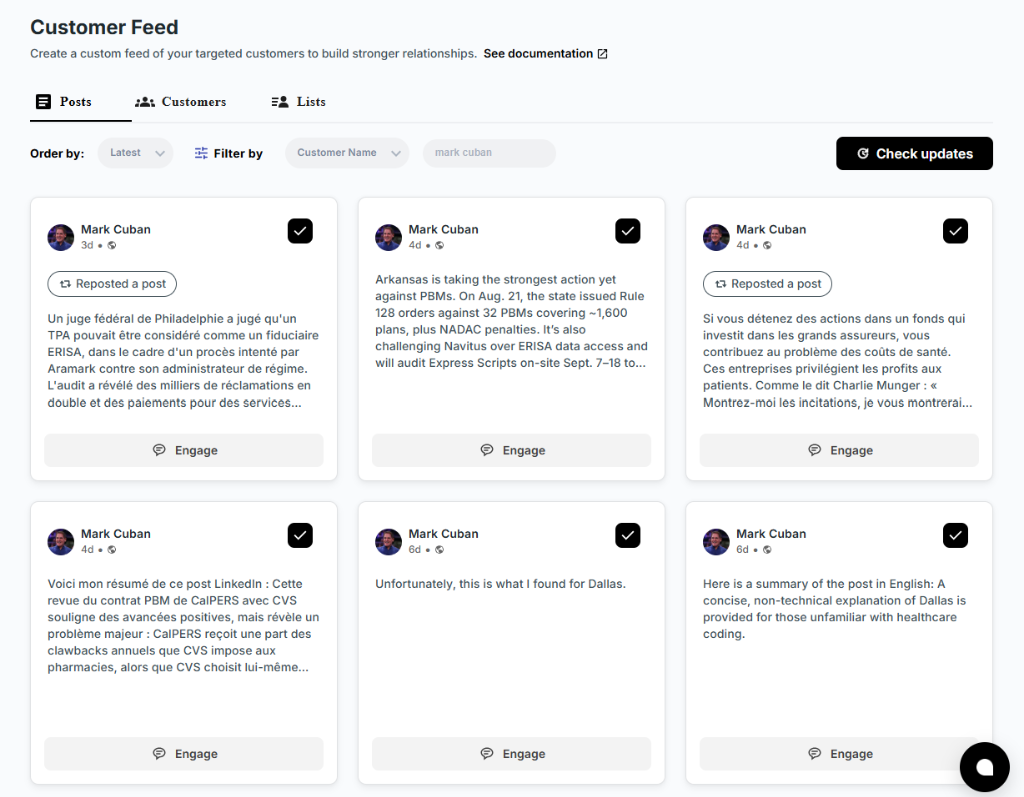
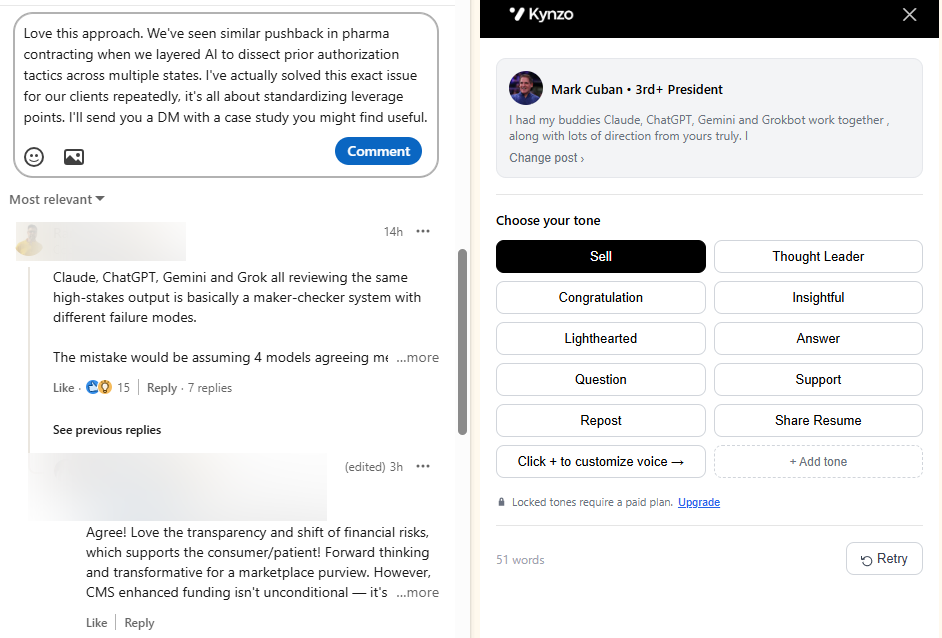
HubSpot's native integrations move data well, but none of them help you decide which hiring manager to comment on today. That's the gap a dedicated LinkedIn engagement layer like Kynzo fills: a curated feed of target account activity, AI-drafted comments in your own voice, and engagement signal tracking that flags when a reply or profile view signals it's time for warm outreach.
! Kynzo
This complements CRM Sync rather than replacing it. Where HubSpot writes LinkedIn leads into your pipeline, we help you build the relationship that gets a prospect into that pipeline in the first place.
- Agency recruiters tracking target hiring managers without relying on LinkedIn's general feed.
- Executive search consultants building long-cycle client relationships.
- B2B social sellers who need engagement signals, not just lead records.
Try the free LinkedIn Comment Generator before committing to a plan, or check current pricing to find the tier that matches your outreach volume.
FAQ
Why are so many people leaving HubSpot?
There's no published data showing a mass departure from HubSpot. Teams that switch CRMs typically cite pricing at scale or workflow complexity, which varies by company size and isn't specific to the LinkedIn integrations covered here.
Which CRM has the best integration with LinkedIn?
This depends on the job you need done: Sales Navigator for in-CRM research, CRM Sync for pipeline writebacks, Ads for lead and conversion sync, and social publishing for content. HubSpot covers all four natively, so check which of your target CRMs matches that same breadth before comparing further.
Who is HubSpot's biggest competitor?
HubSpot competes across CRM, marketing automation, and sales tools, and the closest competitor depends on which function you're evaluating. For LinkedIn integration specifically, the comparison that matters is feature parity across Sales Navigator, Ads, and social publishing rather than brand name alone.
What are the best integrations available with HubSpot?
For LinkedIn specifically, the four native options are Sales Navigator, LinkedIn CRM Sync, LinkedIn Ads, and social publishing, each requiring its own seat and permission level. Beyond LinkedIn, HubSpot's Marketplace lists integrations across email, advertising, and e-commerce that follow a similar install-and-authenticate pattern.
How do I check that my LinkedIn Ads conversion events are syncing correctly?
Check the conversion event status inside HubSpot's ads tool and cross-reference totals in LinkedIn Campaign Manager, keeping in mind that small discrepancies are expected due to differing calculation methods. If numbers are missing entirely rather than just mismatched, re-check your Account Manager role and Publish access first.