Engage AI provides legacy manual commenting for general B2B social selling.
Kynzo syncs target client accounts, letting AI agents warm hiring managers before you reach out.
Engage AI was designed as a manual Chrome extension tool for general B2B sales reps to draft comments faster. Kynzo is the next-generation recruitment business development platform, pairing deep ATS auto-sync with human-paced autonomous AI agents and real-time hiring triggers.
Choose Engage AI if you are a general B2B sales development rep looking for a legacy browser extension to manually draft comments one by one on arbitrary posts.
Choose Kynzo if you run a 360 recruitment desk or search firm and need an autonomous client development system that integrates with your ATS and turns target hiring managers into exclusive mandates.
Detailed side-by-side comparison between Engage AI's legacy extension and Kynzo's purpose-built recruitment client acquisition platform.
| Capabilities & Features | Engage AI | Kynzo |
|---|---|---|
| Target Account Customer Feed | Legacy manual monitoring | ✓ |
| Autonomous AI Agent Mode (Human Paced) | ✕ | ✓ |
| Recruitment CRM Auto-Sync (JobAdder, Recruit CRM, ATZ) | Basic generic webhooks | Native sync included |
| In-Feed Native Commenting & Chrome Extension | Extension popup only | Dual native in-feed + extension |
| Customizable Recruiter Practitioner Tones | Basic tone prompts | Up to 20 custom tones (unlimited length) |
| AI Foundation Models | Standard OpenAI | OpenAI, Gemini, and Claude |
| Twice-Daily Hiring Triggers & Buying Signals | ✕ | ✓ |
| Target Audience Focus | General B2B sales teams | Agency recruiters & search firms |
| Starting Price & Free Trial | From $30/mo | From $10.32/mo (14-day free trial) |
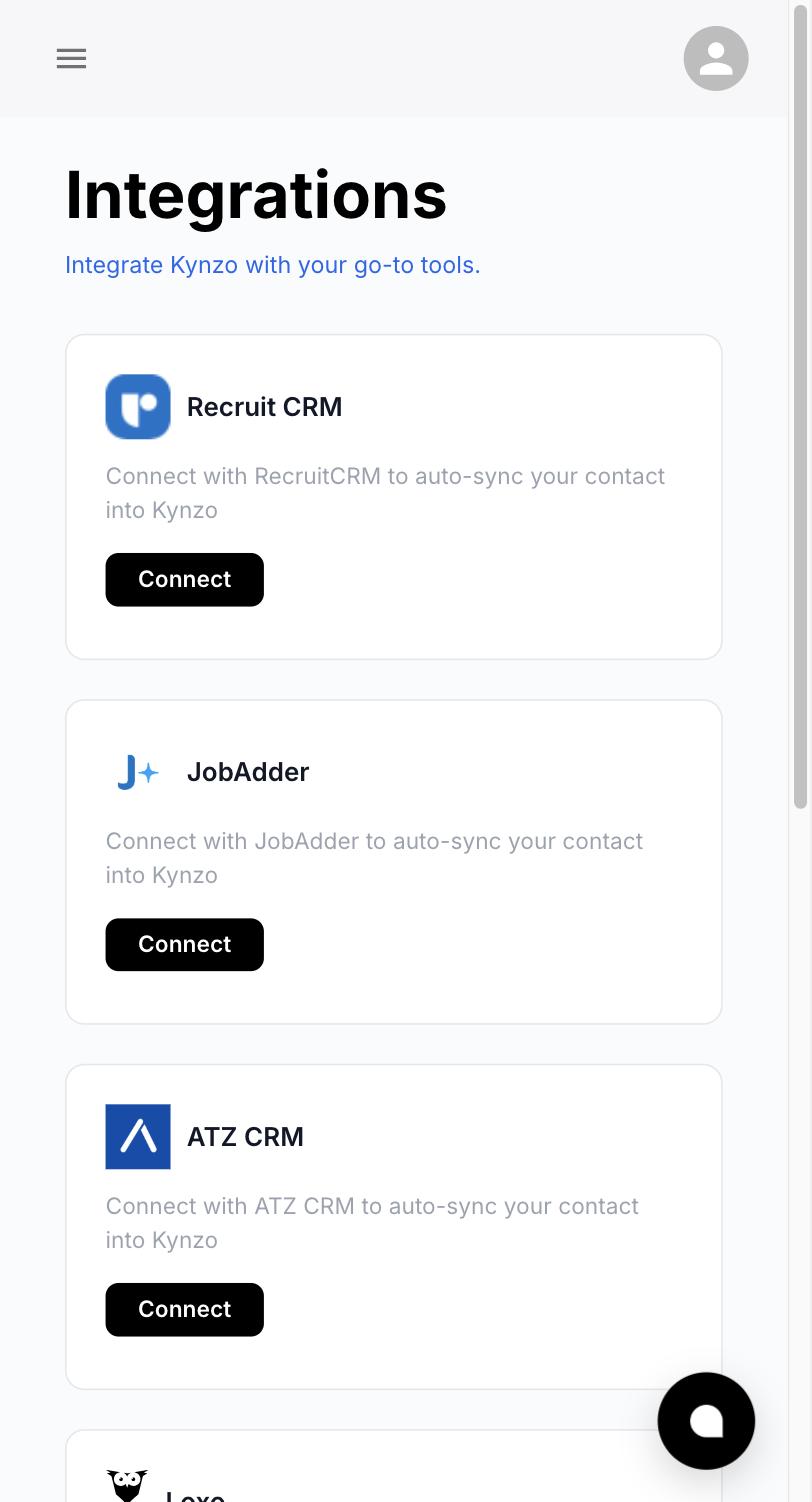
Legacy commenting tools like Engage AI require consultants to manually browse, click, and approve every single comment draft. Kynzo introduces an Autonomous AI Agent that works on your behalf during scheduled business hours. With safe human pacing and randomized delays, the agent builds familiarity across your target client accounts while you conduct client interviews.
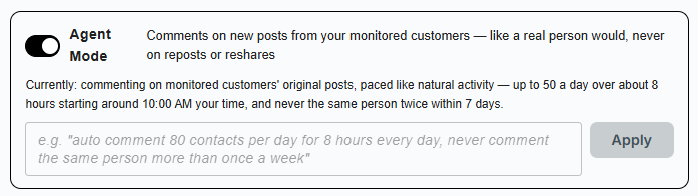
Engage AI forces sales reps to manually copy-paste LinkedIn™ URLs or rely on clunky third-party connectors. Kynzo syncs directly with Recruit CRM, JobAdder, ATZ CRM, HubSpot, Zoho, and Loxo. Your client accounts and key decision-makers appear automatically in your Customer Feed, ready for immediate engagement.
Engage AI provides basic post monitoring without context on recruitment intent. Kynzo refreshes social signals twice daily, monitoring hiring manager announcements, team expansions, and executive leadership departures. When a target hiring manager signals team growth, Kynzo alerts you instantly so your pitch arrives with perfect timing.
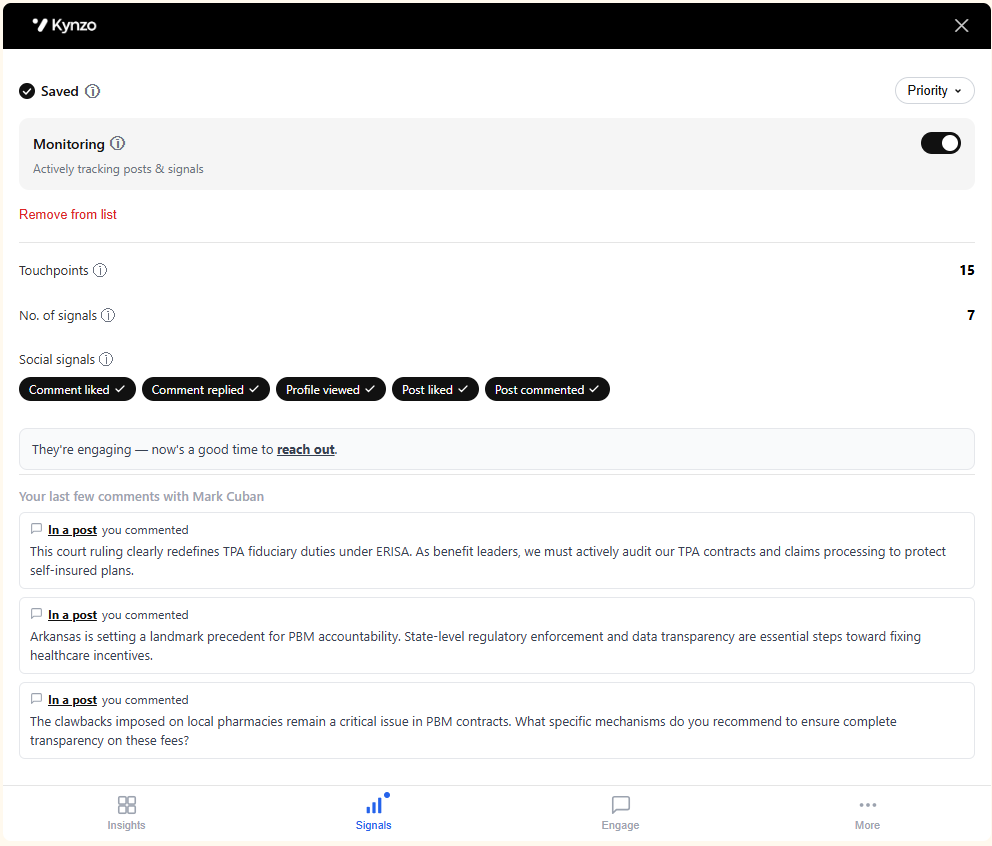
Direct answers for search consultants comparing Kynzo vs Engage AI for LinkedIn™ client development.
Recruiters are switching because Engage AI requires manual clicking on every single post and lacks native recruitment ATS integrations. Kynzo provides Autonomous AI Agent Mode with human pacing, direct auto-sync with JobAdder, Recruit CRM, and ATZ CRM, and twice-daily hiring trigger detection.
Yes. Unlike Engage AI which only offers manual extension-based drafting, Kynzo features an Autonomous AI Agent that engages target client accounts quietly in the background during your specified business hours.
Kynzo equips recruiters with up to 20 custom practitioner tones of unlimited length using OpenAI, Anthropic Claude, and Google Gemini models. You can incorporate executive search vocabulary, placement case studies, and specialist niche perspectives.
Kynzo natively integrates with Recruit CRM, JobAdder, ATZ CRM, HubSpot, Zoho, and Loxo, enabling automatic client list synchronization without spreadsheets or manual searching.
Yes. Kynzo offers a 14-day free trial on all plans with no credit card required, allowing you to test CRM synchronization and Autonomous AI Agent Mode risk-free.
Yes. Kynzo is purpose-built for agency recruiters and executive search consultants. While Engage AI focuses on general workflows, Kynzo combines target-account Customer Feeds, recruitment CRM auto-sync (Recruit CRM, JobAdder, ATZ CRM, HubSpot), Autonomous AI Agent Mode with human pacing, and twice-daily hiring trigger detection.
Choose Engage AI if its native workflow matches your existing non-recruitment setup or if you do not require recruitment ATS synchronization. Choose Kynzo if your billing desk requires deep CRM alignment, target client account monitoring, and high-conversion public social engagement.
Equip your recruiting desk with Customer Feed monitoring, CRM auto-sync,
and Autonomous AI Agent engagement without account risk.