

LinkedIn Rate Limits: What Recruiters Can Safely Do
LinkedIn does not publish a single official table of daily limits for member accounts. What you can do in practice is a moving ceiling that depends on account age, verification and your past behavior, and most guides converge on roughly 100 connection requests a week for a standard account. The useful question for a recruiter is not "how many can I send?" but "what pace keeps my account healthy while I build real client relationships?"
This guide covers the numbers commonly cited for 2026, how LinkedIn escalates when you push too hard, the difference between the API rate limits developers see and the limits on your own profile, and a pacing routine built for agency recruiters.
Key takeaways
- Treat every figure below as an estimate. LinkedIn does not officially publish member limits, and they shift with account age, verification status and behavioral history .
- A common reference point is about 100 connection requests per week on a free account, with Sales Navigator users sometimes reaching 200 to 250.
- Restriction is graduated: search limits, warning banners, identity checks, then a hard restriction. Act on the first signal.
- Even-paced activity beats daily bursts. Spread actions across working hours instead of firing them in one batch.
- For agency recruiters, comments and engagement signals on target hiring managers cost far less of your limit budget than cold connection requests and InMail.
Table of Contents
- Two kinds of LinkedIn rate limits
- The numbers recruiters quote in 2026
- How LinkedIn escalates when you exceed a limit
- What LinkedIn's own rules say about automation
- Why bursts are riskier than totals
- Per-action limits are separate
- A pacing routine for agency recruiters
- Following up without burning your ceiling
- How Kynzo fits your limits
- Warning signs to act on today
- FAQ
- Sources
Two kinds of LinkedIn rate limits
Search results for this topic mix two unrelated things, so separate them first.
*API rate limits apply to developers building integrations. Microsoft's documentation says all LinkedIn API requests are rate limited to protect stability, with a maximum number of calls in a 24-hour period. If you saw a "RateLimitExceeded" error while building a tool, this is your category. Recruiters using the LinkedIn website or app will never see it.
*Account activity limits apply to you as a member: connection requests, messages, InMail, profile views, searches. These are the limits that matter for recruiting and business development, and they are the subject of the rest of this article.
The numbers recruiters quote in 2026
Because nothing is official, every figure comes from third-party testing and vendor experience. Use the table as a planning range, not a promise.
| Activity | Commonly cited ceiling | Notes | |---|---|---| | Connection requests | About 100 per week, standard account | Sales Navigator users may reach 200 to 250 per week | | Connection requests, daily pace | 20 to 30 per day, spread out | One 2026 breakdown recommends spreading rather than sending in one go | | Connection note length | 200 characters free, 300 Premium and Sales Navigator | Same breakdown | | Total network size | 30,000 connections | Same breakdown | | New account starting point | 25 invitations per day, 100 per week | One automation vendor's help page uses this as a starting baseline |
The sources disagree on details, which is itself the lesson. One breakdown suggests that adding notes to requests on a free account may cap you at far fewer per week, while others do not mention it. Your own account is the only reliable test. If LinkedIn shows a weekly invitation warning, that is your actual number today.
Acceptance rate matters as much as volume
The same research that puts the free-account ceiling near 100 a week also flags acceptance rate: a rate of about 20% or higher is considered necessary to avoid automatic restrictions , and rates below that often trigger flags. That is a vendor-reported heuristic, not a LinkedIn rule, but it matches what recruiters see: 80 cold requests to strangers with a poor acceptance rate is riskier than 40 to people who already recognize your name.
Limits are per account, not per campaign
If you run more than one outreach sequence, they share a single pool. One onboarding guide notes that the 100-invites-per-week limit applies per account, not per campaign , so two campaigns must split it. The same applies to a team: if three consultants share one login, they share one ceiling and one risk profile.
How LinkedIn escalates when you exceed a limit
There is no simple ban switch. Reported escalation runs from search result limitations to warning banners, then identity verification, and only then a hard restriction . That is good news if you notice early and bad news if you ignore the first sign.
What to do at each stage:
- *Search results get thinner or capped. Stop bulk searching and exporting for the rest of the day. Switch to manual, relationship-based work.
- *A warning banner appears. Pause all automated and semi-automated activity for several days. Do not "test" the limit again the next morning.
- *Identity verification is requested. Complete it promptly and keep activity light afterward.
- *Restriction. Use LinkedIn's own appeal process and avoid opening new accounts to work around it. Creating workaround accounts tends to make things worse.
A useful operating principle from the research: view limits as an operational ceiling, not a target . If the ceiling is 100 and you run at 100 every week, one unusual week puts you over.
What LinkedIn's own rules say about automation
You need to know where the line sits before you choose any tool. LinkedIn's help center states that it does not permit third-party software, including bots, browser plug-ins or extensions that scrape, modify or automate activity on the site, and that members using such tools risk having accounts restricted or shut down.
That is LinkedIn's position, and every recruiter should read it before deciding how much to automate. Our view at Kynzo is practical: the more a tool behaves like a human working a short, deliberate session, the smaller its footprint, and the more you should keep your own judgment in the loop. Review drafts, keep volumes modest, and never treat any tool as a guarantee against restriction.
Why bursts are riskier than totals
Two accounts can send 100 invitations in a week and look completely different to LinkedIn. One sends 100 in twenty minutes on Monday. The other sends a handful an hour across the week.
Research from one outreach vendor makes the point that a warm-up period is a technical safeguard , and that randomizing actions across hourly intervals, for example an invitation every 15 to 30 minutes, avoids the burst pattern that signals programmatic usage. Whether you work manually or with software, the principle holds:
- Spread activity across your normal working hours.
- Vary the gaps between actions rather than using a fixed interval.
- Ramp up on new or dormant accounts instead of jumping to full volume.
- Skip weekends and late nights unless that is genuinely when you work.
One more warning for agencies: LinkedIn is reported to use browser fingerprinting and IP monitoring to detect multiple accounts managed from one device or network . If several consultants log in from one shared browser profile, you are creating a linking pattern. Each person should use their own account in their own browser.
Per-action limits are separate
Recruiters often assume one pool covers everything. In practice, safety guides describe separate budgets by action. One integration guide says each account can send up to 40 connection requests per day, while every other action has its own daily limit that does not reduce the others. Treat that as one vendor's operating rule rather than LinkedIn policy, but the structure is useful: connection requests, messages, profile views and searches are tracked differently, so a heavy search day does not mean you have "used up" your messages, and vice versa.

Content has its own hard limits too, and these are easy to plan around. Posts are capped at 3,000 characters, including text, links and hashtags, and scheduled comments in one posting tool are capped at 1,250 characters. Only the first couple of hundred characters show before the "see more" cut, so lead with the point. For connection notes, our free connection request checker previews your note against the character limit before you send.
A pacing routine for agency recruiters
Here is a weekly routine that keeps you well under any plausible ceiling while still producing client conversations. The numbers are our suggested starting points, not LinkedIn figures; adjust to what your own account tolerates.
Weekly budget
| Activity | Suggested weekly volume | Why | |---|---|---| | Cold connection requests | 30 to 50 | Well under the roughly 100 reference ceiling, leaving room for spikes | | Comments on target hiring managers' posts | 40 to 80 | Visible, low-friction, builds recognition before you ask for anything | | Personal messages to warm contacts | Only when a signal appears | Replies, profile views and accepts tell you when | | Cold InMail | Rare, to high-value targets only | Scarce credits, lower response when there is no prior touch |
Daily rhythm
- *Morning (15 minutes): Open your list of target hiring managers and company accounts, not the general feed. Comment thoughtfully on two or three fresh posts.
- *Midday (10 minutes): Send a small batch of connection requests, ten at most, to people who have already seen your comments.
- *Afternoon (15 minutes): Check who replied, liked your comment, viewed your profile or accepted a request. Those are your warm leads.
- *Weekly: Review acceptance rate. If it falls under about 20%, narrow your targeting before you add volume.
Why comments first
A connection request from a stranger asks for something. A comment on a post a hiring manager wrote last night gives something. By the time you send the request, the person has seen your name more than once. That lifts acceptance, which protects you against the very acceptance-rate flag described earlier, and it means fewer requests are needed for the same number of conversations.
It also keeps your quota for what matters. If your goal is a short list of high-fee clients rather than a wide net, 30 well-timed requests beat 100 cold ones.
Following up without burning your ceiling
Most recruiter pipelines leak at the follow-up stage, not the first touch. A single message and silence is the norm; a structured cadence is the exception. For a broader look at building follow-up discipline and the tooling around it, this piece on automating follow-up that actually works is a useful companion read.
For limits specifically, apply three rules:
- *Follow up on signals, not on a calendar. A reply, a comment like, a profile view or an accepted connection is a reason to message. Silence is not.
- *Cap touches per person. Two or three relevant touches over a few weeks respects the prospect and your own metrics.
- *Stop when acceptance or reply rates fall. Falling response is often the earliest sign you are overextended.
How Kynzo fits your limits
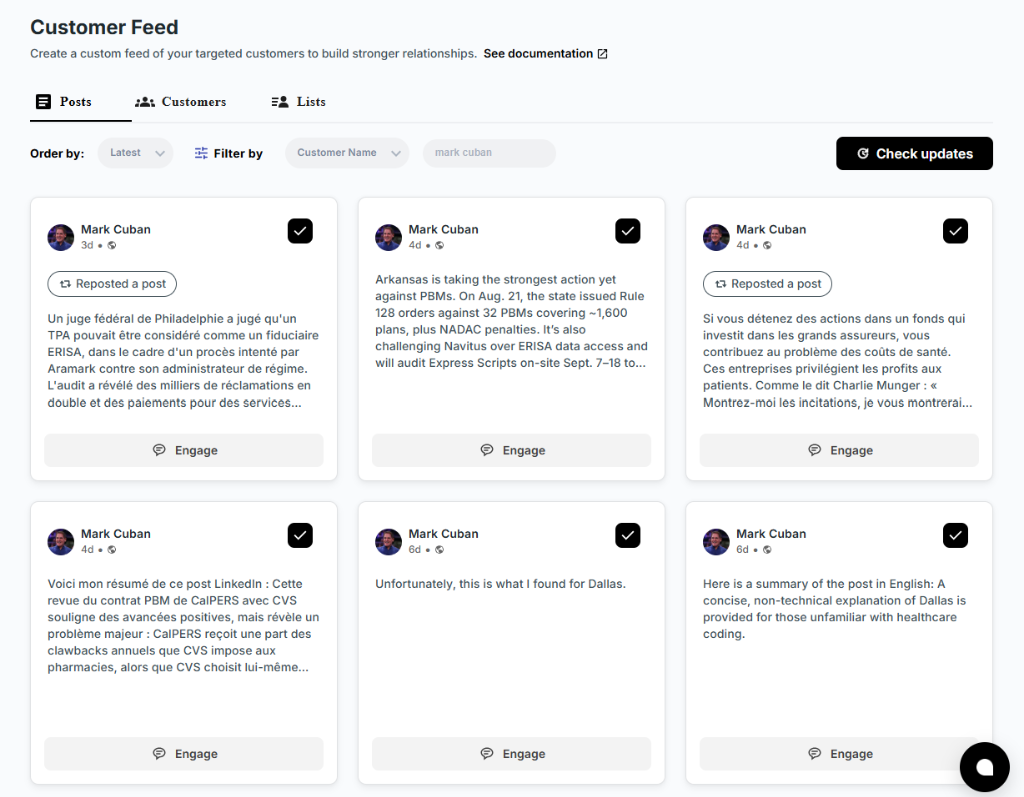
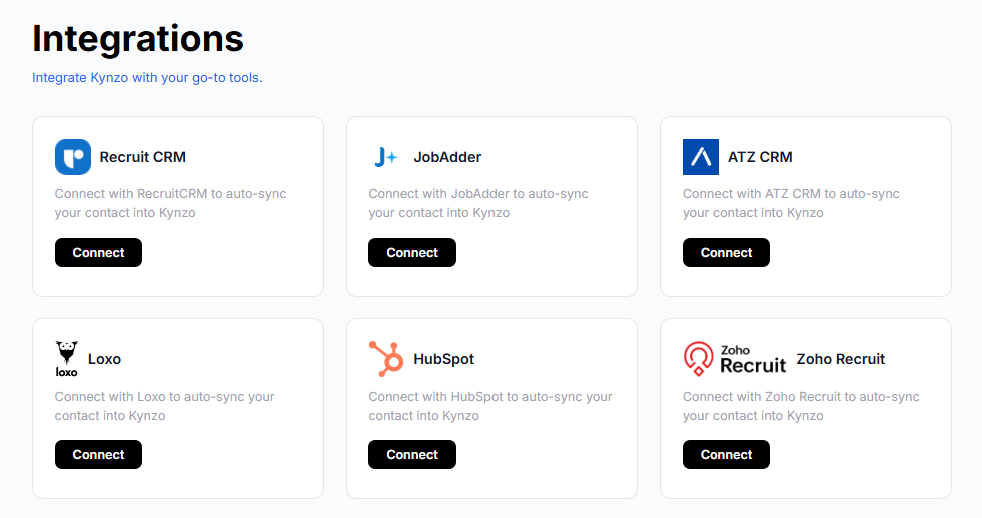
We built Kynzo around the idea that agency recruiters should spend limited LinkedIn activity on the right people. Our Chrome extension and Customer Feed let you follow posts and activity from target hiring managers and company accounts without wading through LinkedIn's general feed. You can sync target accounts from recruiting and CRM systems such as Recruit CRM, JobAdder, Zoho Recruit, HubSpot, Crelate and Loxo, or save profiles and posts manually.
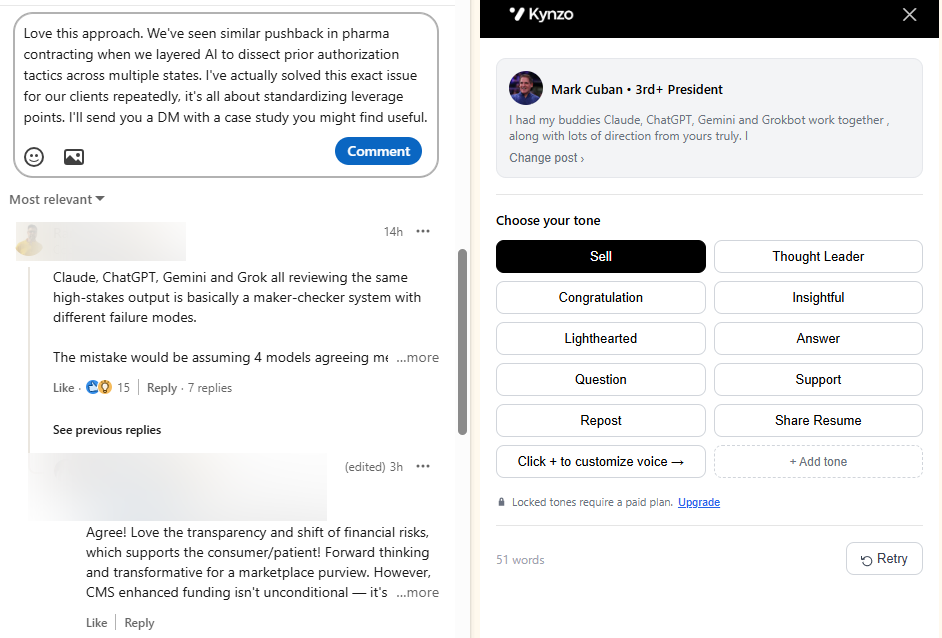
The AI Agent drafts or publishes context-aware comments in your voice, and the pacing controls include active hours, daily caps and randomized delays, so you decide the ceiling and stay under it. Kynzo also tracks replies, comment likes, profile views, connection accepts and inquiries, so you know when to start warm outreach instead of guessing.
Plans are published on the pricing page : Starter at $12.90 per month, Pro at $30 per month and Elite at $50 per month. You can also try the free LinkedIn comment generator first. For the strategy behind commenting, read our LinkedIn AI commenting guide .

To be clear about what this does and does not do: no tool can promise that LinkedIn will never restrict an account, and LinkedIn's policy on automation is quoted above. Kynzo gives you the controls to keep activity modest and human-paced; the decisions about volume remain yours.
Warning signs to act on today
- A message that you have reached a weekly invitation limit.
- Search results that suddenly show fewer people or cut off early.
- A request to verify your identity or a security check you did not trigger.
- Acceptance rate dropping under about 20% over two consecutive weeks.
- Unusual login prompts after using a new device or network.
If one of these appears, stop outbound activity, let the account rest for several days, and return at roughly half your previous volume. Increase gradually over a couple of weeks.
FAQ
What is the LinkedIn connection request limit per week?
LinkedIn does not publish an official number. Third-party research most often cites about 100 per week for a standard account, with Sales Navigator users sometimes reaching 200 to 250. Your own limit moves with account age, verification and past behavior, so treat 100 as a ceiling to stay well under.
Are LinkedIn daily limits the same for everyone?
No. New or lightly used accounts tend to have lower tolerance, while older, verified and active accounts tend to have more room. Guides that quote a single daily figure are averaging across very different accounts.
Does LinkedIn allow automation tools?
LinkedIn's help center says it does not permit third-party software, bots or browser extensions that automate activity on the site, and that accounts using them risk restriction. If you use any tool, keep volumes low, review what it posts and accept that the risk is yours.
What happens if I exceed a LinkedIn limit?
Reported escalation starts with limited search results, moves to warning banners and identity verification, and ends in a hard restriction. Stopping at the first sign and reducing volume is the safest response.
Do LinkedIn API rate limits affect my recruiting account?
No. API limits apply to developers whose applications call LinkedIn's APIs, with caps over a 24-hour period. Your own profile activity is governed by separate, unpublished account limits.
Sources
- LinkedIn API Rate Limiting, Microsoft Learn
- Can You Safely Run Multiple LinkedIn Accounts? Sendwin
- LinkedIn Limits in 2026 (Complete Breakdown), LeadLoft
- LinkedIn sending limits and safe volumes, useArtemis Help
- Onboarding check list, SalesFlow Help Center
- LinkedIn safety guide, Madnion
- Prohibited software and extensions, LinkedIn Help